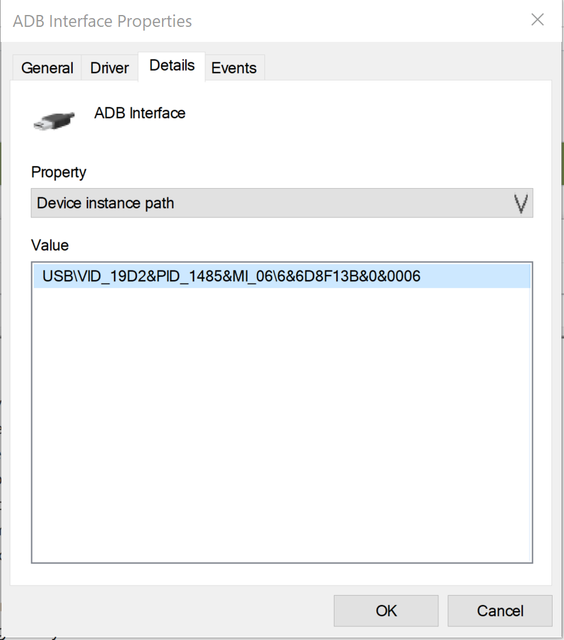
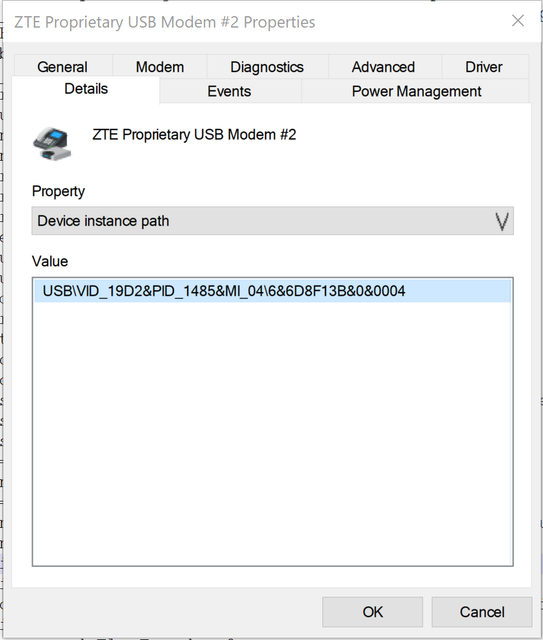
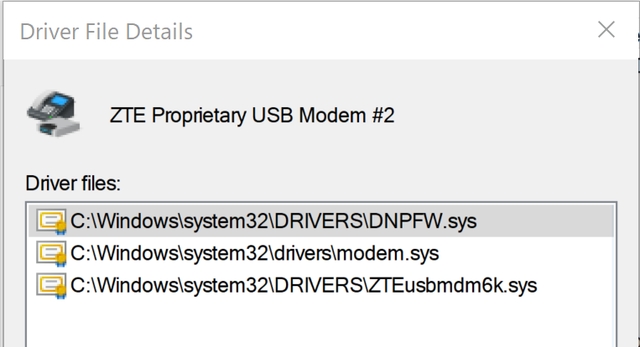
Ok, took the plunge and attempted to flash once again. Reinstalled QPST and drivers, and whenever the device identifies as 19d2:0076 (QUSB__BULK), something interacts with it and causes a reboot into normal sequence. I had a Sierra modem installed in the laptop I'm using, so I removed its drivers just to be safe. The question is - which drivers are correct for this ID? Previously I found "ZTE Diagnostic drivers" package, but it's from pretty random source on the Internet, and I wonder if it doesn't conflict with drivers bundled with QPST.
Also, after entering 9008 QDL mode, and starting SB3.0 download, the modem just reboots after executing the loader.
I had pretty much the same behaviour, when trying to dump the flash contents using 'edl', device reboots just after uploading (E)NPRG9x55p.bin - so I wonder if my modem's RAM isn't actually toast :-(
Also, a request to @smereka or @stich86 - what happens if you try to dump the NAND contents from the modem using EDL tool, if you force it to 9008 mode and use ENPRG9x55p loader?
Edit: currently the most I can get out of it is that:
Qualcomm Sahara / Firehose Client V3.60 (c) B.Kerler 2018-2022.
main - Using loader zte mf286d Nordic to Nordic_B11 192.168.32.1 pw admin/UPDATE/NPRG9x55.mbn ...
main - Waiting for the device
main - Device detected :)
sahara - Protocol version: 2.1
main - Mode detected: sahara
Device is in streaming mode, uploading loader
sahara - Device serial : 0xc1203dba
sahara - Protocol version: 2.1